The right time for every task
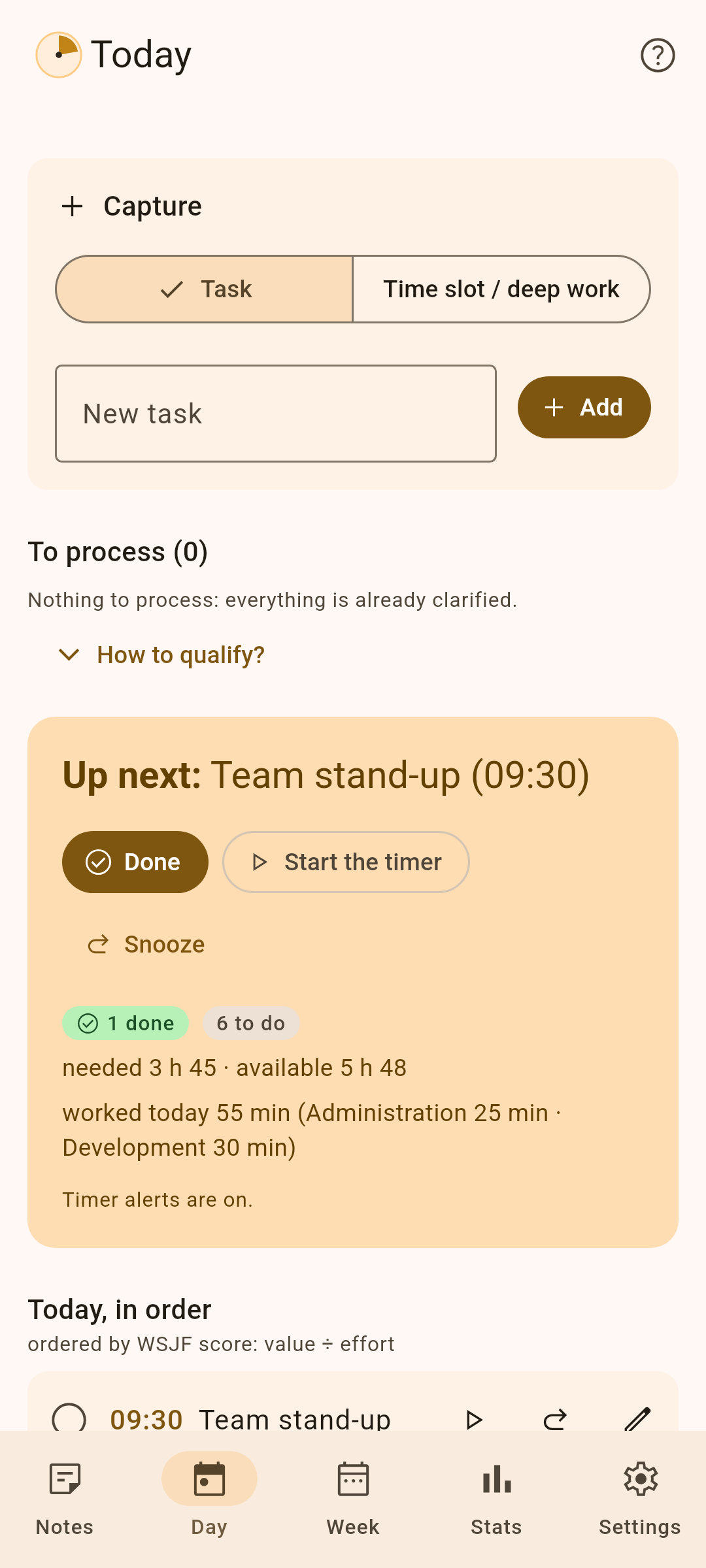
Kairos puts your tasks in the order to do them and fits them into the gaps of your day, around your meetings. Its built-in machine learning learns how long they really take. No account, no ads, no network: your data stays on your device.







What Kairos does
New in 4.0: on-device machine learning
A machine-learning model, trained on your device from your finished tasks, gives a task with a new title a duration from the ones that look like it, with a range and the list of those tasks. Kairos only applies it once it beats the default duration on your own history, learns your pace by day and time, and tells you when estimates change. Nothing leaves the device.
AI? No, machine learning. No chatbot, no cloud: just robust, local machine learning that trains on every task you finish, light and very fast.
An order you can explain
score = (value + urgency) ÷ effort
Priority and deadline make the value, points the effort. Small and important goes before big and distant; an overdue task always comes first.
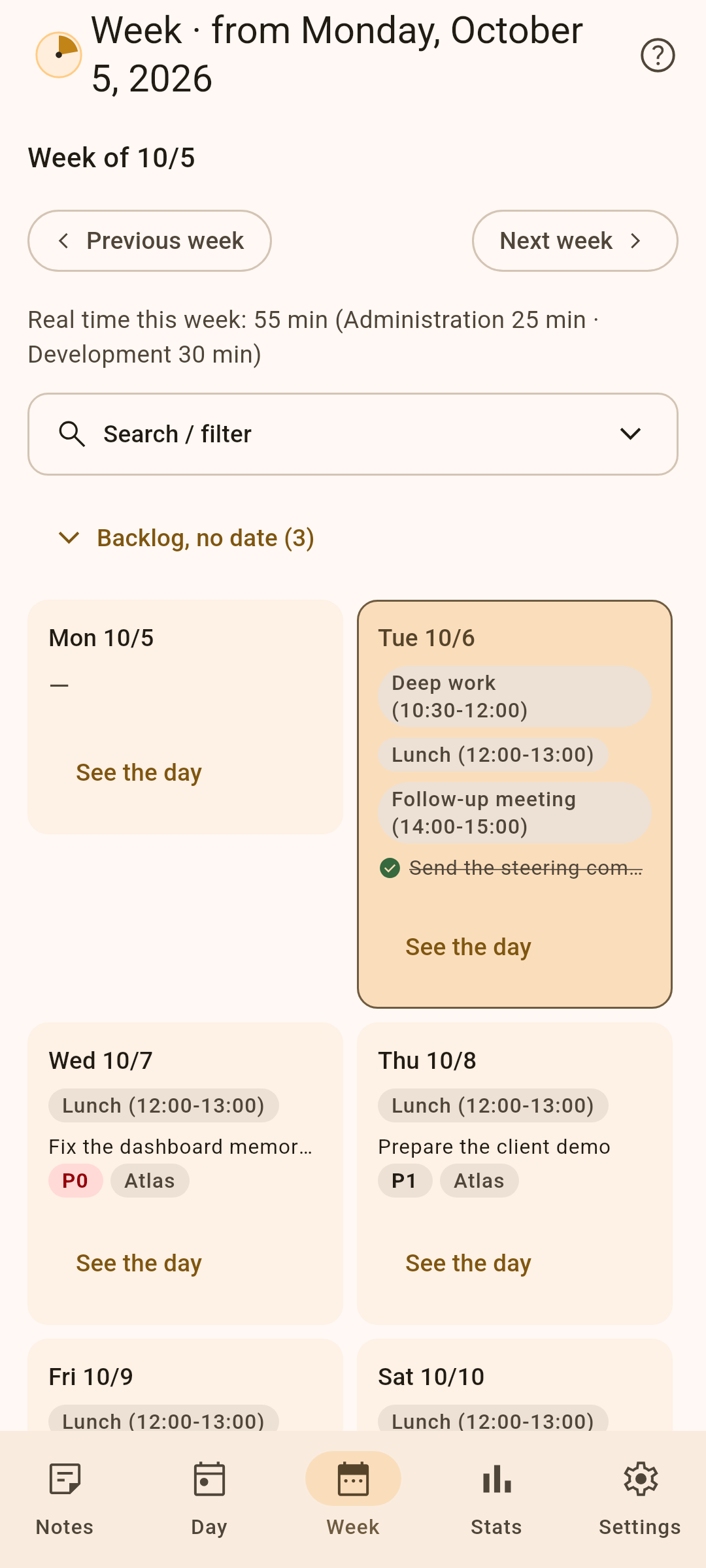
A realistic day
Tasks placed around meetings, protected deep-work slots, lighter tasks during the afternoon dip, recurrences, dependencies and public holidays.
Real time
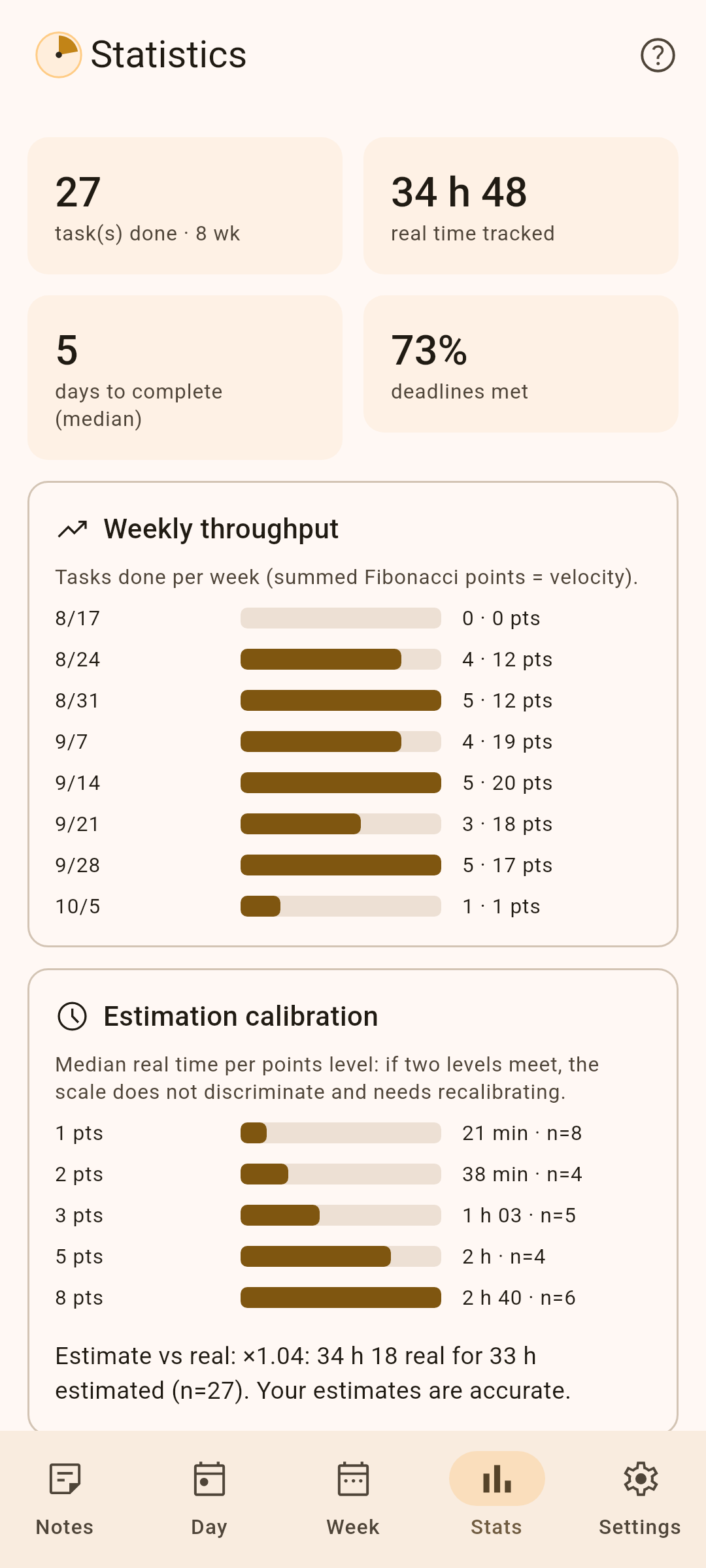
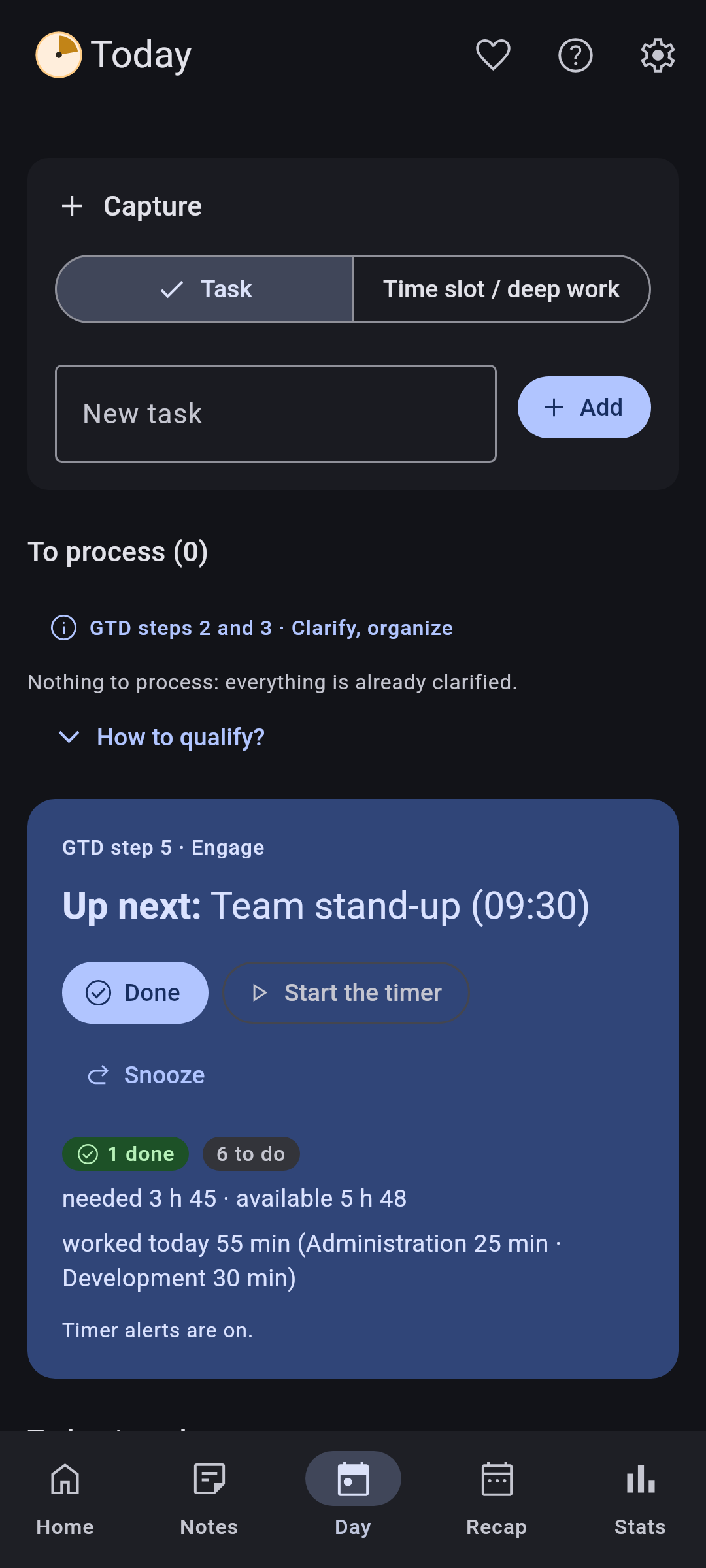
A timer per task, alerts when you go past the estimate, forget a timer or need a break, and statistics comparing your estimates with the time actually spent.
Download
In the browser
No installation, for a locked-down computer. Recent Edge or Chrome; data stays in the browser and can be linked to a file.
All versions and their checksums (SHA256SUMS): GitHub releases.
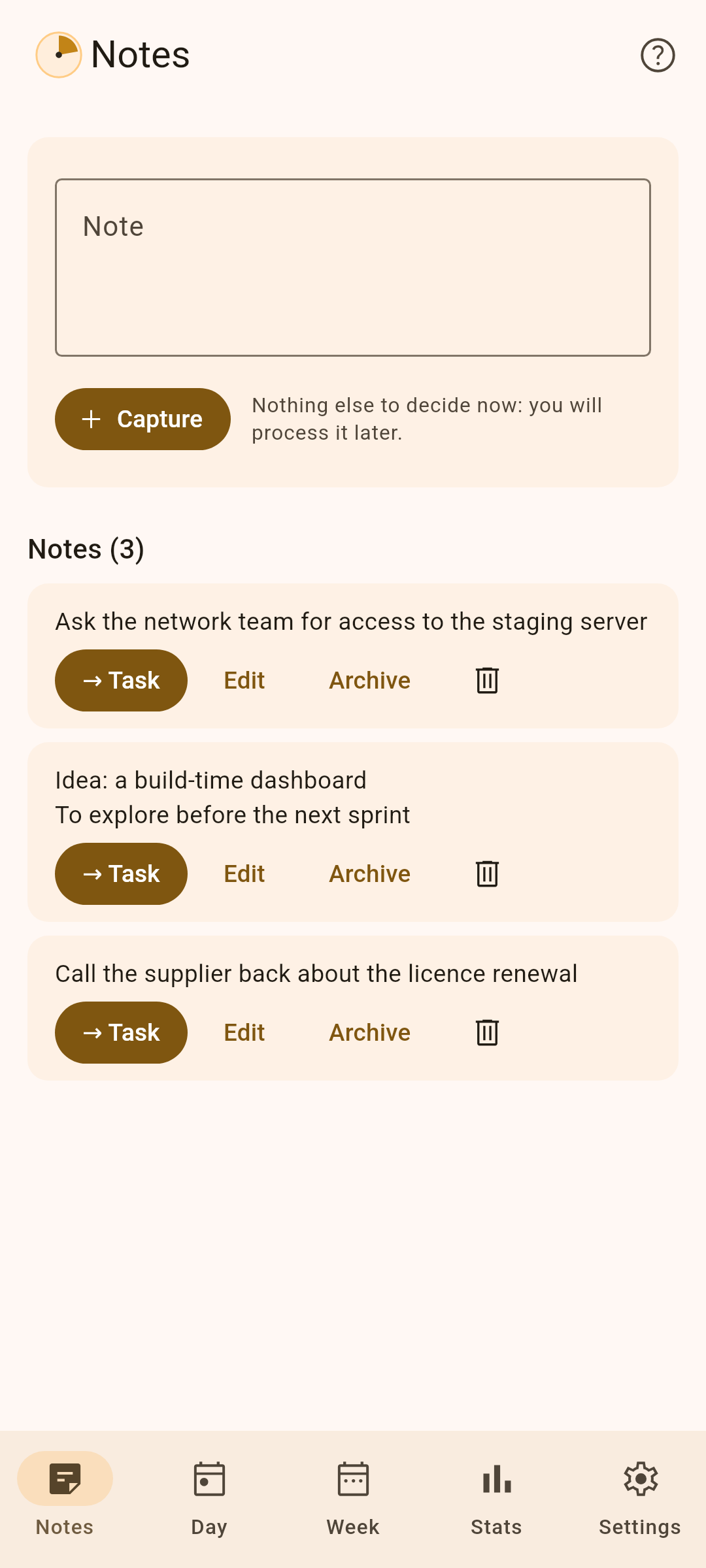
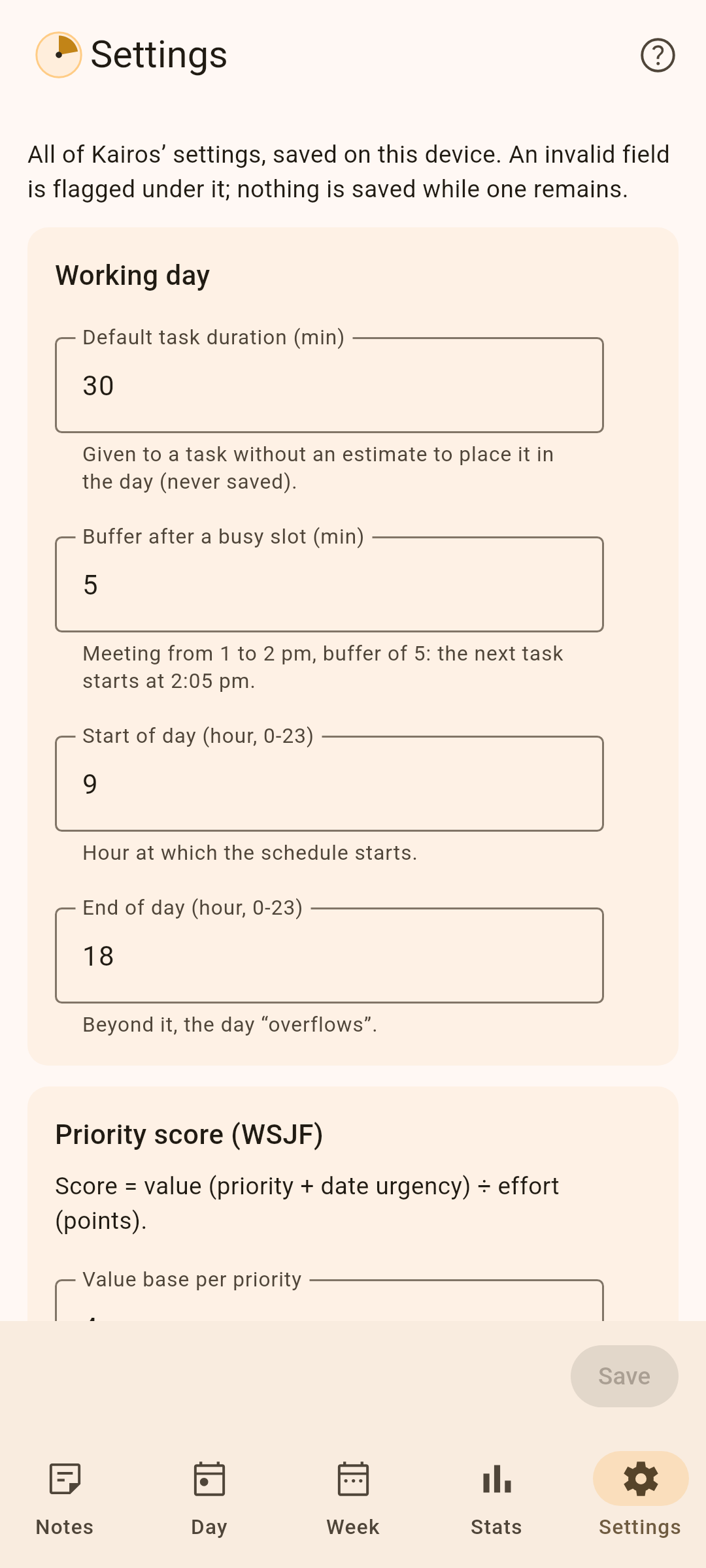
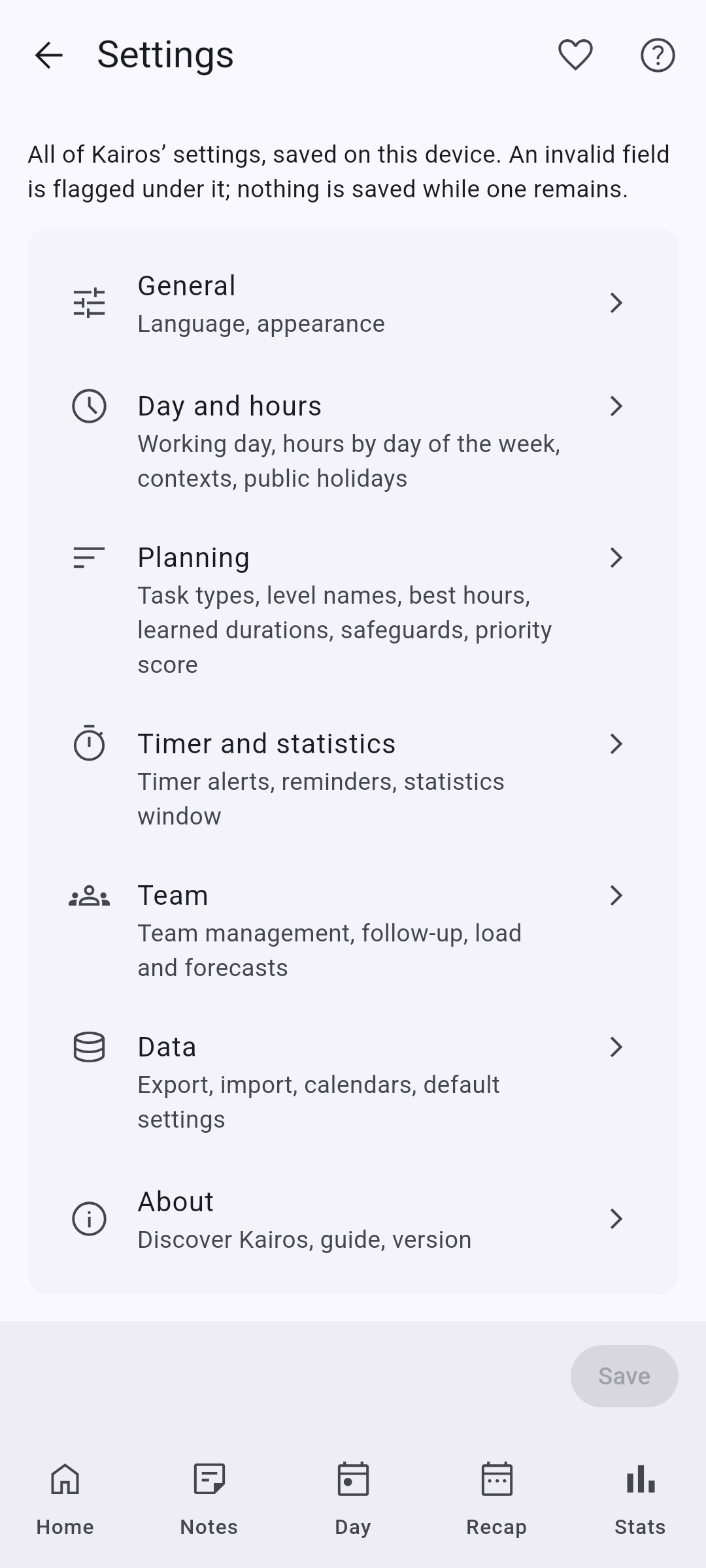
Preview
First installation
- macOS: the app is not notarised by Apple, so macOS blocks it the first time. Open System Settings → Privacy & Security and click “Open Anyway” next to Kairos, then confirm (up to macOS 14, right-clicking Kairos and choosing “Open” also works).
- Windows: SmartScreen may show “Windows protected your PC”: choose “More info”, then “Run anyway”.
- Android: allow installation from your browser or file manager when Android asks.
Mentioned on
- AlternativeTo: Kairos’s listing, to rate it or suggest it as an alternative.
- r/foss: presentation post (October 2026).
- WhatWeMade: presentation article.
- open-source-android-apps: a list of open-source Android apps, Productivity category.
- awesome-mac: a list of macOS apps, To-Do Lists category.
- awesome-open-source-saas-alternatives: open-source alternatives to paid online services, listed as an alternative to Todoist.